
Give every teammate their own sign-in
WACRM Team & roles is the member management of your WhatsApp workspace that helps owners share the work without sharing a password: invite staff by email, each teammate signs in with their own account to work the inbox, the owner keeps billing, API keys, webhooks and team management, and an audit log records who changed what.
By the WACRM team Updated
Invite staff by email; each teammate has their own sign-in
Two roles: owner (everything) and staff (inbox, contacts, daily work)
Billing, API keys, webhooks and team management stay owner-only
Audit log of settings and data changes, from Settings
2 seats on Premium, 5 on Advanced, 15 on Pro
How do I add my team?
Open Team settings
The owner opens Team in the Workspace and sees the seats included in the plan.
Invite by email
Enter a teammate's email; WACRM creates the seat and a personal invite link to share with them.
Teammate signs in
The teammate accepts the invite and signs in with their own account, straight into the shared inbox.
Review and revoke
The owner sees every member and pending invite, and revoking a member frees the seat at once.
What do owners and staff get?
No shared passwords
Every teammate has a personal sign-in, so you never hand out the owner's login.
Clear owner powers
Billing, wallet, API keys, webhooks and team management are owner-only by design.
Staff focus on customers
Staff read and reply in the inbox and work contacts, notes and tickets.
Audit log
Changes to settings and data are recorded with who, what and when, readable from Settings.
Seat count you can see
The Team screen shows seats used, invites pending and the plan limit.
Instant revoke
Remove a member and their seat is free for the next person straight away.
Who shares a WhatsApp number with a team?
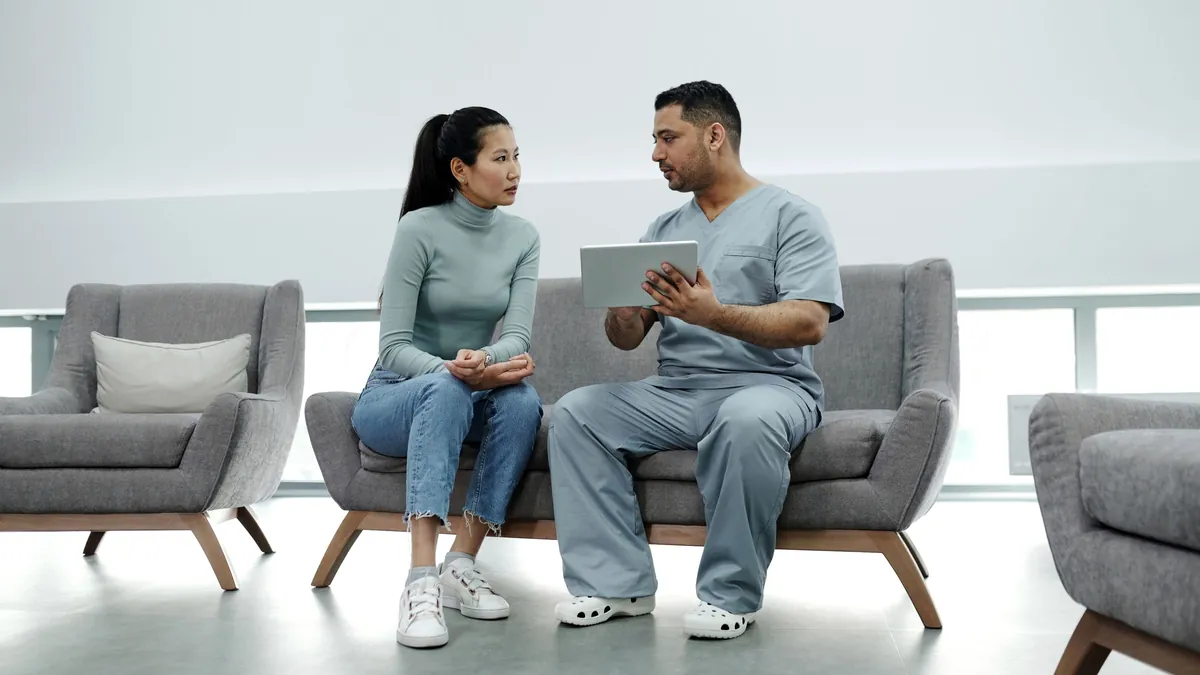
Clinics
Front desk answers, the practice owner keeps billing and sees every change in the audit log.

Support teams
Several agents work one number, each with a seat and their own login.

Agencies
Staff answer for a client while the agency keeps API keys and billing to itself.

Field services
Office staff reply to customers while technicians are on site.
Why not just share one WhatsApp login?
A shared phone or a shared password means nobody knows who sent what, and a person who leaves the business still has access. WhatsApp's own multi-agent option links extra devices to one account; WACRM instead gives every teammate a personal sign-in to the same number, so access is per person and can be removed per person.
Owners keep the decisions that cost money or touch security. Staff get the inbox and the customer record, which is what they need to answer well.
How many seats does each plan include?
Premium includes 2 seats, Advanced 5 and Pro 15. Enterprise is priced per client workspace. The owner is not counted as a seat.
Questions about team members and roles?
What can a staff member do in WACRM?
Staff sign in with their own account, read and reply in the shared inbox, and work contacts, labels, notes and tickets. Billing, API keys, webhooks and team management stay with the owner.
Does the owner use a seat?
No. Seats count invited and active staff only; revoking a member frees the seat.
Can I see who changed a setting?
Yes. The audit log in Settings lists changes with the account, the action and the time.
What happens when someone leaves the team?
The owner revokes the member from the Team screen; their sign-in loses access to the workspace and the seat is free again.
Can one person belong to more than one workspace?
Yes. A member invited to several projects picks the one to open after signing in.



Talk to an expert
A person from the WACRM team replies.
Ask how many seats your team needs, or how roles work for an agency with several clients.
Replies within one working day, usually sooner on WhatsApp.
Bring your team onto one number
Get started and we will set up your first staff seats as part of onboarding.