
By the WACRM team Updated
For home services
Quotes, visits and updates without the phone ringing all day
WACRM for home services is an AI-native WhatsApp CRM that helps service companies quote from a photo, book the visit and keep customers updated. Customers send a picture of the job, the office replies from a shared inbox, and the visit is booked with reminders.
- WhatsApp Business Platform
- Meta message fees at 0% markup
- Set up for you in 48 hours

In short
Customers send photos of the job for a quote
Visits booked from a link, with reminders before arrival
Office and technicians share one WhatsApp number
Status updates sent from templates
What makes WhatsApp hard for home service companies?
Calls during jobs
A technician on a ladder cannot answer a new customer.
Quotes need a look first
Without a photo, a quote means an extra trip.
Waiting customers
Customers call to ask when the technician will arrive.
How does WACRM work for home service companies, step by step?
The customer sends a photo
The job arrives with pictures on your WhatsApp number.
The office quotes from the inbox
Anyone in the office replies, with notes kept on the contact.
Book the visit
The customer picks a time and gets a reminder before the visit.
Keep them posted
A template tells the customer the visit is on its way.
Each step runs on the WhatsApp number your customers already message.
Which WACRM features do home service companies use?
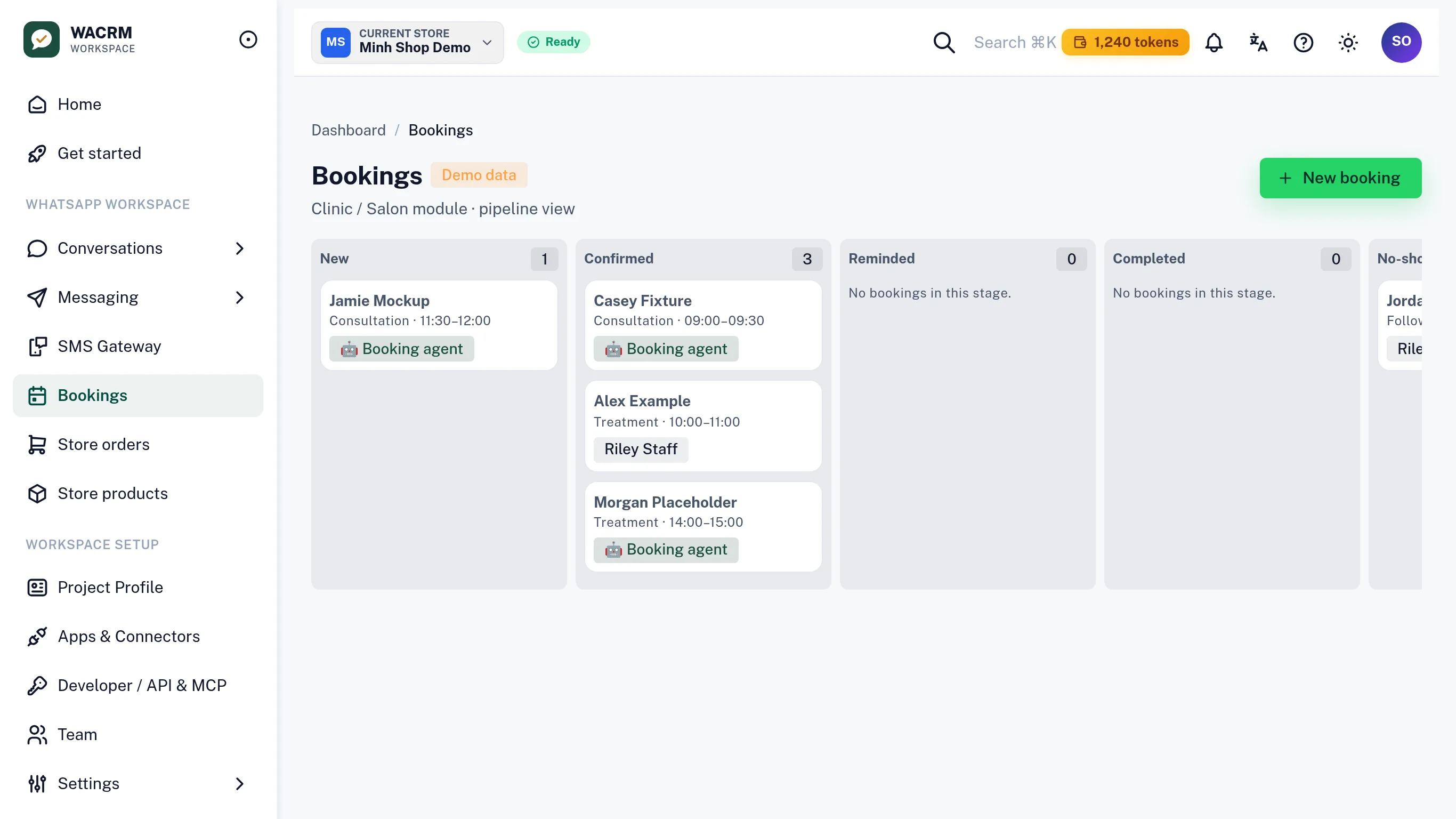
Bookings
Visits land in the calendar without a phone call.
A public booking page, reminders 24 hours and 2 hours before, and confirm or cancel by reply.
Automations
Customers know the visit is coming without calling.
Event rules send templates, follow-ups and reminders without anyone typing them.
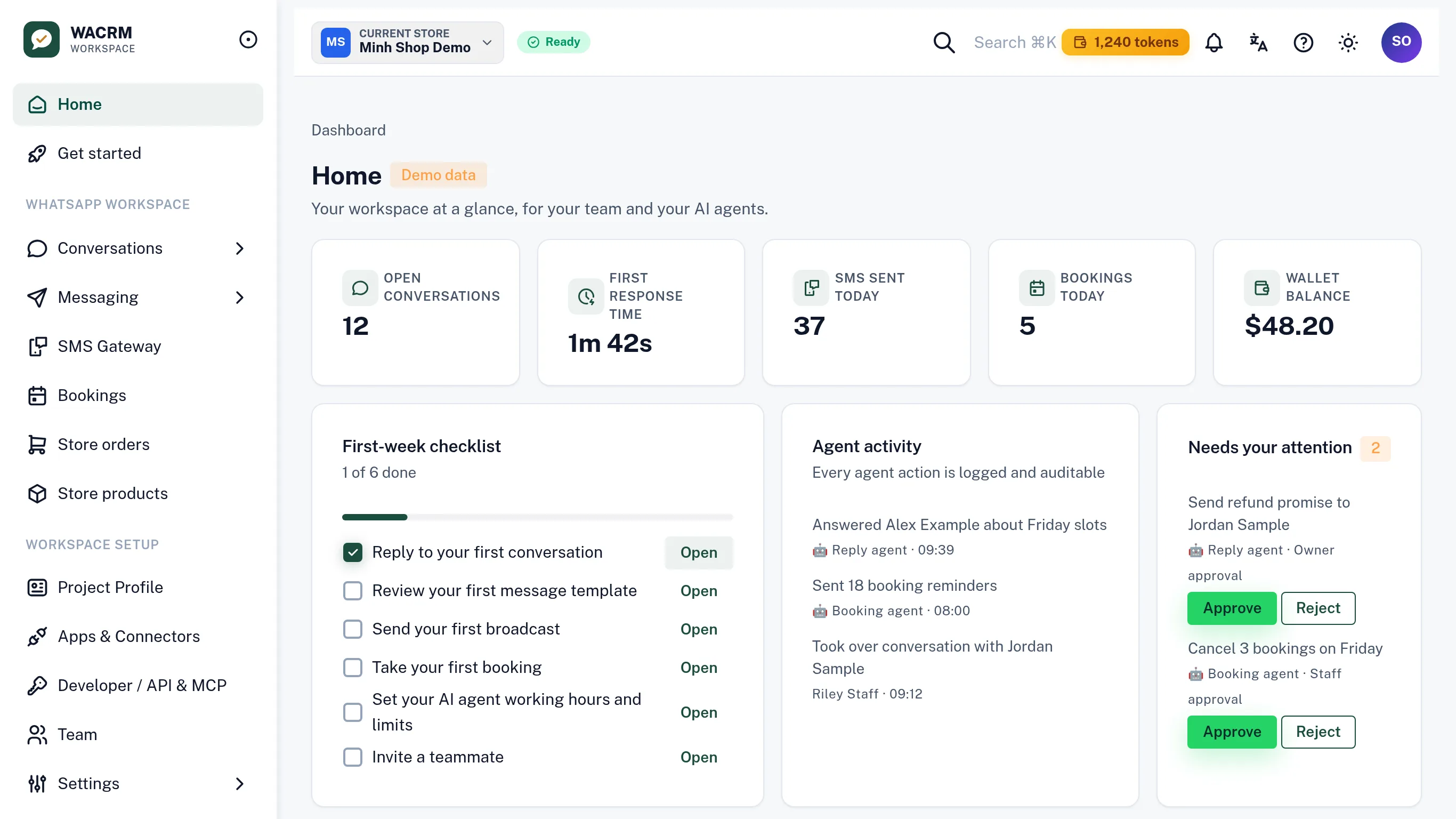
Team and roles
Office staff and technicians each have their own login.
Members with roles, each signing in with their own account, plus an activity log.
AI agents
After-hours requests get a first answer right away.
AI agents answer common questions around the clock and hand the chat to a person when one is needed.
What changes for home service companies when they move from a phone to WACRM?
| What changes for home service companies when they move from a phone to WACRM? | Phone and personal WhatsApp | WACRM |
|---|---|---|
| Who answers | Whoever holds the phone | Your whole team, from one shared inbox on the same number |
| Reminders | Typed by hand, when someone remembers | Sent 24 hours and 2 hours before, with confirm or cancel by reply |
| Conversation history | Scattered across personal phones | One history per contact, shared with the team |
| Team access | One shared phone or one shared password | Each teammate signs in with their own account and role |
| Repeated questions | Every answer typed from scratch | AI answers or drafts the reply, and a person takes over any time |
Which tools does WACRM work with?
Compatible with
API providers we build on
- Anthropic
Product names and logos belong to their owners.
Who stands behind WACRM?
WACRM is built and run by Netbase JSC. The clients, reviews and results below are Netbase JSC’s own, earned since 2012 on software projects for businesses around the world. They are not WACRM customers or WACRM results.











Product names and logos belong to their owners. Source: netbasejsc.com
Reviews of Netbase JSC
Quoted word for word from public review profiles, in the reviewer’s own language.
-
I recently had the pleasure of working with NETBASE for a customization project on my WordPress website. From start to finish, the experience was exceptional, and I am thrilled to share my positive review about their outstanding services.
-
They’re good listeners, are understanding, and they remember things very well.
-
Their Quick response in every step was impressive.
Netbase JSC at a glance
- Founded
- 2012, in Hanoi, Vietnam
- Clients served
- 500+ clients of Netbase JSC
- Reach
- Clients in around 80 countries
- Delivery model
- Remote, worldwide
Sources checked November 9, 2026. Source: About Netbase JSC on netbasejsc.com
Want it set up for you in 48 hours?
Our team connects your number and sets WACRM up with you. Every service is quoted for your business before work starts.

Quick Setup
Connect or create your WhatsApp Business Account and get your team answering from one number, done by a person.

Custom development
Booking, service and order flows, CRM or ERP integration, apps and AI agent connections, built around how your business works.

Done-for-you / Migration
Move from another tool or from the phone app alone, with your contacts, flows and catalogue carried over.
Enterprise
Running WhatsApp for several branches, numbers or brands?
Pro and Enterprise are built for businesses with several numbers, teams or brands, with our team setting it up with you.
Numbers and workspaces that scale
Pro connects 3 WhatsApp numbers and 15 seats. Enterprise runs 10 workspaces from one account.
Roles for every teammate
Each teammate signs in with their own account and role, with an activity log of what happened.
API, webhooks and MCP
Scoped API keys, webhooks and an MCP server connect WACRM to your systems and AI agents.
Onboarding by our team
We connect your numbers and set up your workspaces with you, with priority support on Pro.
Questions about WACRM for home service companies?
Can customers send photos of the job?
Yes. Photos sent on WhatsApp arrive in the shared inbox with the rest of the conversation, so whoever quotes sees them.
What is the 24-hour customer service window?
When a customer messages you, Meta opens a 24-hour customer service window in which you can reply freely. After it closes you send an approved template. WACRM shows the window on every chat.
Can we keep using the WhatsApp Business app on our phone?
Yes. Quick Setup connects your number with coexistence, so the WhatsApp Business app on your phone keeps working alongside WACRM on the same number.
What happens when the AI cannot answer?
The AI agent hands the chat to your team, and a person picks it up in the shared inbox with the full history in view.
Where to go next?

Clinics
Solution
Fewer no-shows, a calmer front desk
Team and roles
Feature
Members with roles, each signing in with their own account, plus an activity log.

Take bookings over WhatsApp with WACRM
Guide
Create a bookable service with the Core API, share your WACRM booking page, and see exactly what happens when a customer books, gets reminded, and replies.
More solutions: Delivery and courier teams · Sales teams · All solutions
Ready to bring every conversation with home service companies into one inbox?
Start with WACRM today, or talk to our team about setting it up for you.
References
- WhatsApp for Business — Utility messages (checked 2026-11-09)
- Meta for Developers — Pricing on the WhatsApp Business Platform (checked 2026-11-09)
- WhatsApp Business Policy (checked 2026-11-09)
- Meta Business Help Center — Create message templates for your WhatsApp Business Account (checked 2026-11-09)